Back
Improved flow for on-site payments
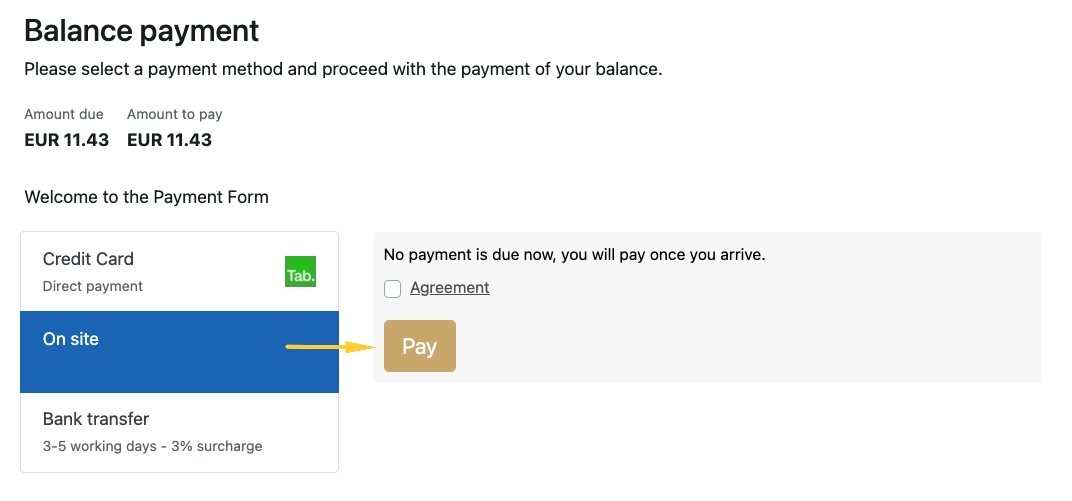
If your business accepts on-site payments, this flow can now be tracked more easily. The flow is very similar to the bank transfer flow. Once the booker selects “on-site payment“ method in the Payment Form, he can register that selection by clicking on “Pay“ button.
Once selected, the Bookinglayer user can choose to be notified about the on-site payment by enabling it in Settings > General > Notifications > On-site payment notification.
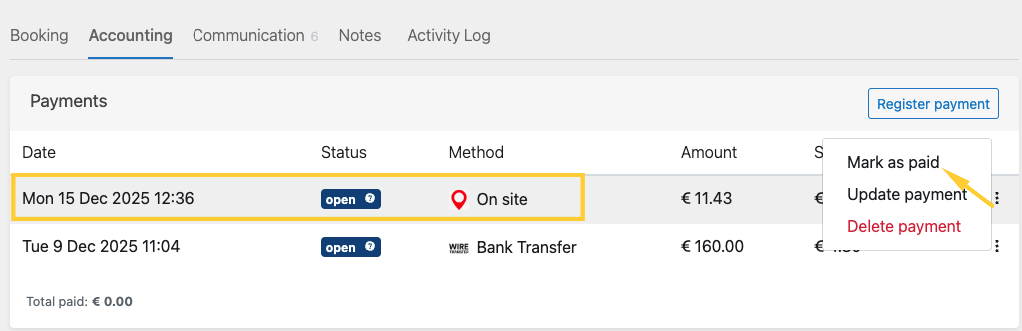
When the on-site payment is selected, it will appear as an “open“ payment in the Accounting tab of the booking. Once the guest arrives at the location (for example upon check-in) and pays on-site, the Backoffice user can manually select “mark it as paid“. At that moment, the payment will change to “ok” status.